Keep performance responsive
Know when iOS is managing thermal pressure, then ease off demanding work before games, camera use, or heavy apps feel the slowdown.
 Sabja
Sabja
Catch rising thermal pressure early, take one simple cooling step, and build habits that help protect your battery and everyday performance.
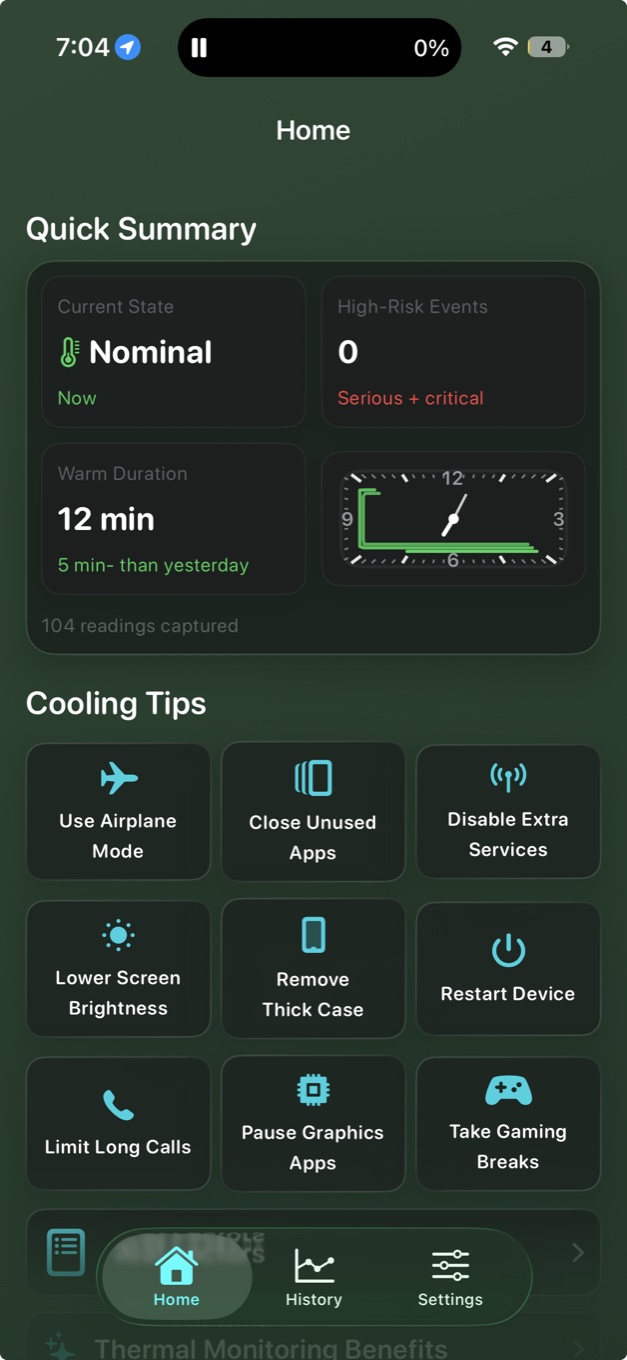
Native Apple signal
Monitoring works offline
Designed for iPhone & iPad
Apple warns that using an iPhone or iPad in very hot conditions can permanently shorten battery life. Thermal State gives you an early signal—so you can change what you’re doing before heat becomes a repeated habit.
Read Apple’s guidance on heat and battery lifeKnow when iOS is managing thermal pressure, then ease off demanding work before games, camera use, or heavy apps feel the slowdown.
Spot the charging and usage patterns that repeatedly warm your device, then build cooler habits that support long-term battery health.
A battery that stays useful for longer improves daily life now—and can support your device’s condition when it’s time to exchange or resell.
Apple classifies system thermal pressure in four states. Sabja turns that quiet system signal into calm, practical guidance.
Your device is operating within its usual thermal range.
Thermal pressure is rising. Small changes can help it settle.
iOS may reduce performance while the device cools.
Pause demanding activity and give the device time to recover.
See the current Thermal State at a glance and receive a clear alert when it rises or eases.
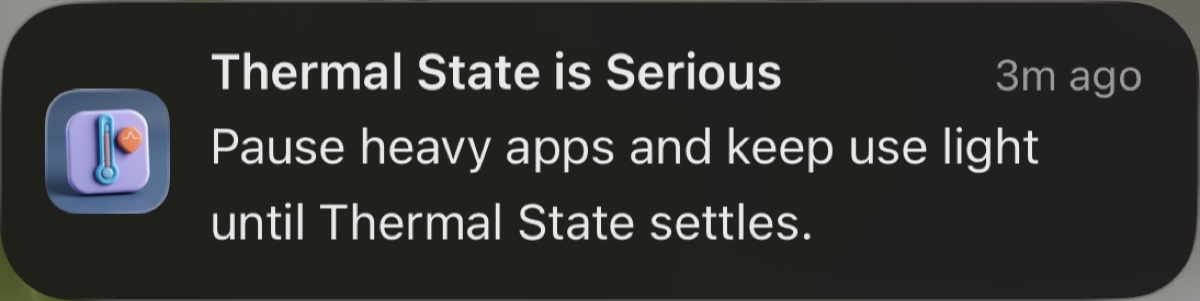
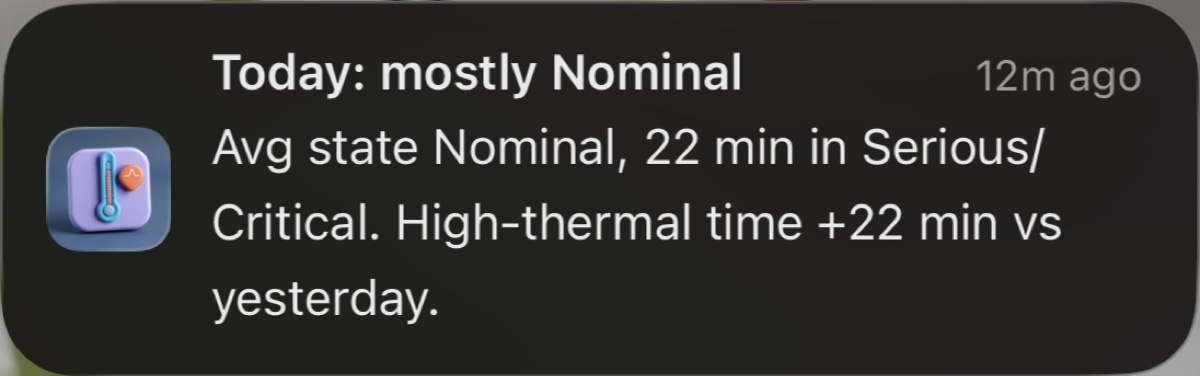
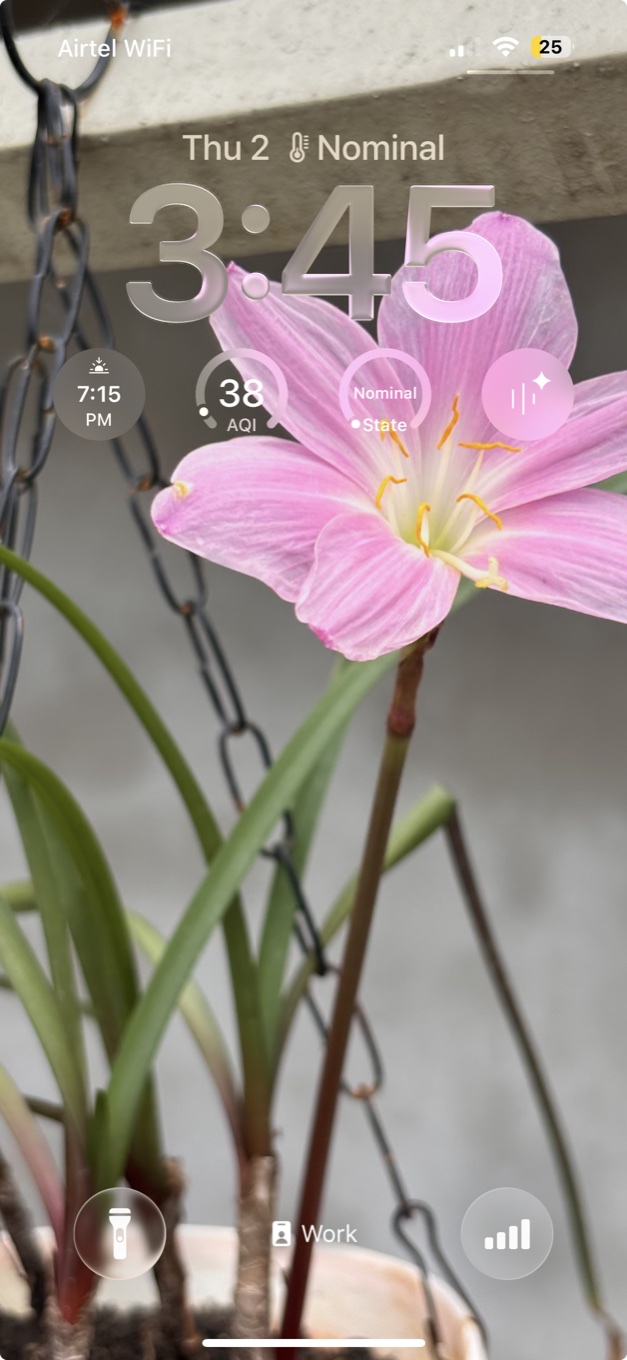
Add Sabja’s widget to your Lock Screen and see the current Thermal State in the moment you reach for your iPhone.
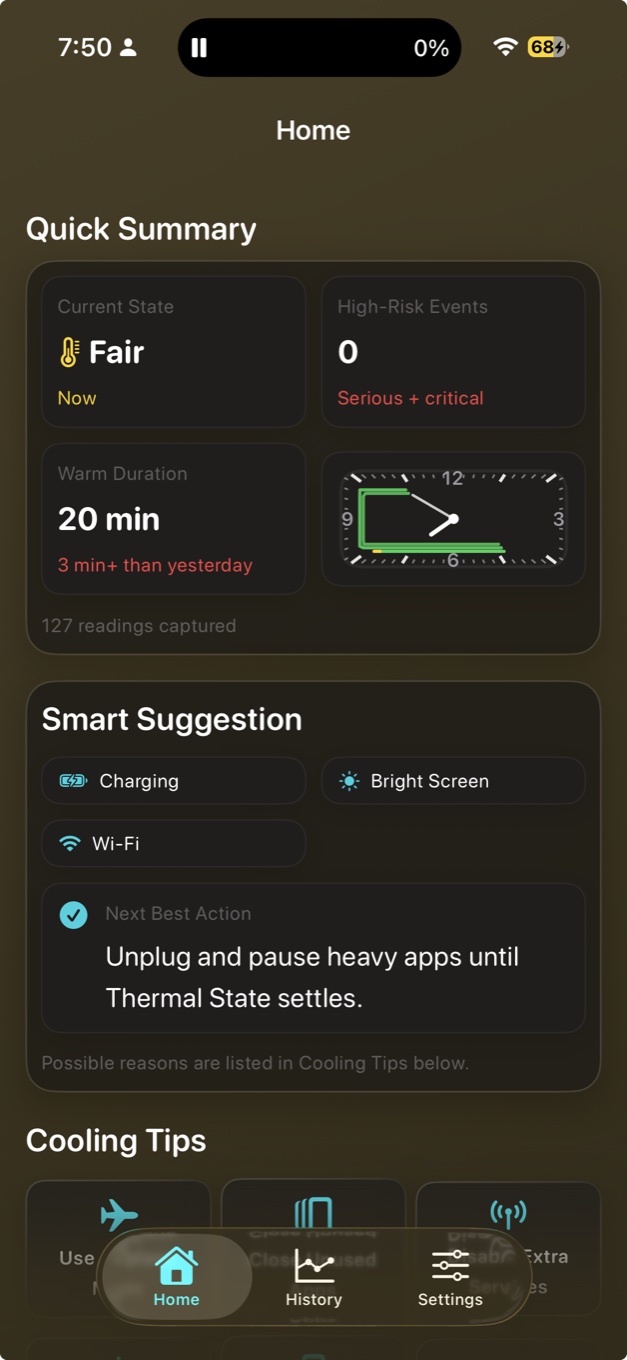
Smart Suggestion connects a rising state with factors such as charging, screen brightness, Wi‑Fi, and Low Power Mode—then gives you one useful action.
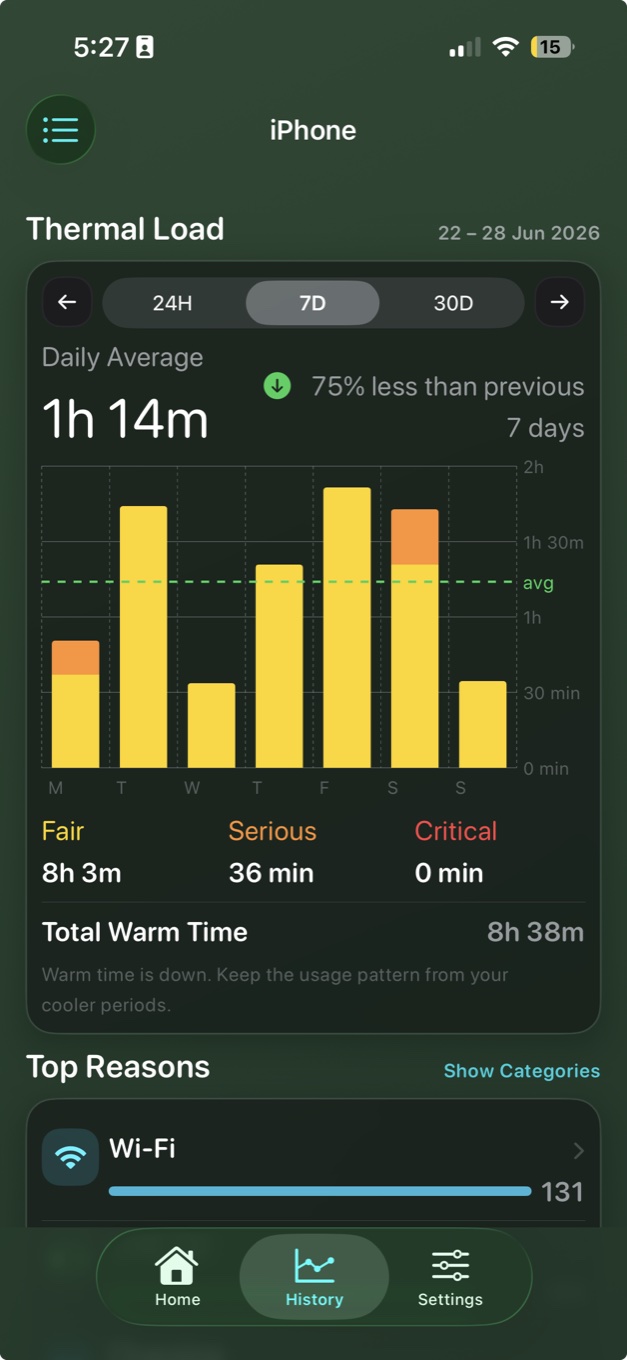
Sabja Pro History shows thermal load across 24 hours, 7 days, or 30 days—so recurring patterns become obvious and easier to change.
Quick status when you need it. Clear context when you want to understand what changed.
Everything you need to monitor Thermal State works on your device: live state, Smart Suggestion, saved local history, and cooling guidance. Sabja stays useful on a flight, on the road, or anywhere your connection disappears.
Sabja’s iPad layout keeps your current state, warm duration, high-risk events, and cooling guidance together—without crowding the screen.
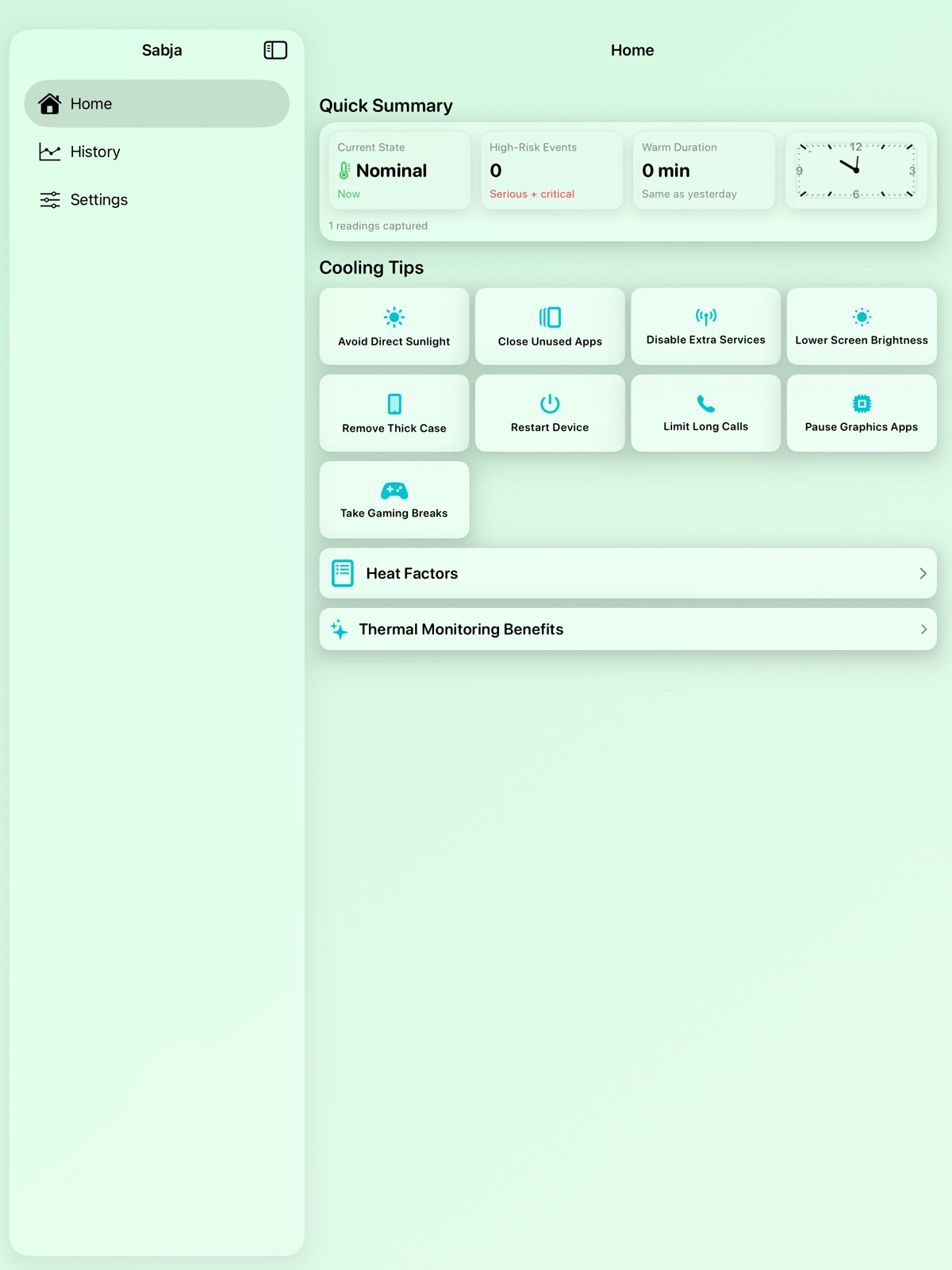
Sabja reads Apple’s qualitative system Thermal State: Nominal, Fair, Serious, or Critical. It does not claim to reveal hidden CPU or battery sensor values in degrees.
That means the information stays grounded in the same native signal iOS uses to manage performance under thermal pressure.
Know before it throttles
Download Sabja for iPhone and iPad. Use the Home screen for free; unlock History and widgets with Sabja Pro.
Download on theApp Store